

Once you have decided to change IT providers, the handover needs its own checklist. Your business should know who controls its accounts, where the working documentation is kept and what has been tested before the outgoing provider’s access ends.
The aim is a controlled transfer of responsibility. A folder of passwords is not enough, and removing every old account on the first day can interrupt work that the new provider has not yet taken over.
Put a business owner in charge of the handover
Choose one person who can approve access, confirm priorities and resolve questions between providers. Give them a deputy and a way to reach both teams during the transition.
Agree on the scope and timetable in writing. Record what the outgoing provider will supply, what the incoming provider will verify and which responsibilities remain with an application vendor or another supplier. Check notice periods, transfer arrangements and charges against the actual agreements.
If you are still deciding whether recurring support fits the business, start with signs your business needs managed IT. This checklist begins after the business has chosen to proceed with a provider change.
Separate ownership from administrator access
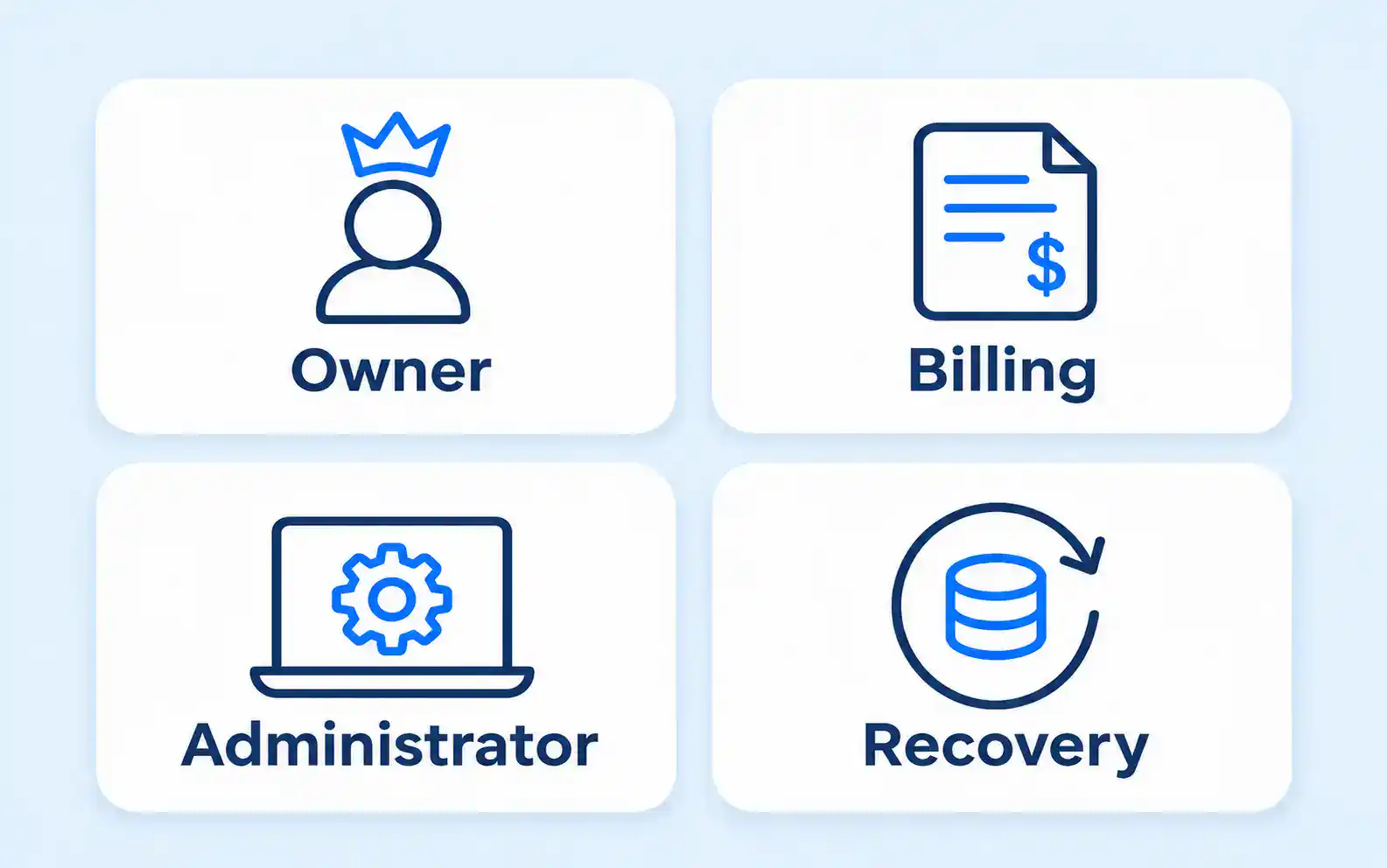
An account can be paid for by one organization, legally held by another and administered by a third. Those differences matter when a password reset, subscription renewal or urgent support request is needed.
Build a register that makes each role explicit. Do not put passwords or recovery codes into an ordinary shared spreadsheet; record where the approved credential store is held and who is authorized to use it.
| System or service | Business control to verify | Handover evidence |
|---|---|---|
| Domain and website | Registrant, renewal contact and authorized access | Verified account access and current renewal details |
| Microsoft 365 or another cloud service | Organization identity, billing and administrative roles | Named administrators and a tested recovery route |
| Servers and network equipment | Ownership, configuration and management access | Current inventory and recoverable configuration records |
| Backup service | Data covered, account control and restore authority | Recovery instructions and relevant test evidence |
| Phones and internet | Contract holder and authorized support contacts | Account references and provider acceptance of new contacts |
| Business applications | Licence holder and vendor responsibilities | Support contacts, entitlements and required access |
An unanswered ownership question is an open handover item. It should not disappear merely because the service currently works.
Transfer information through an agreed secure route
Ask the providers to agree on how credentials, configurations and documentation will be transferred. Use a controlled route with access restricted to the people doing the work. Avoid sending complete administrative credentials in a casual email chain.
The documentation should describe the current setup well enough for the new team to maintain it. Include important dependencies, outstanding issues, scheduled work, recovery procedures and any exceptions that are easy to miss.
Separate historical notes from verified current information. An old network diagram can be a useful starting point, but someone should confirm whether it still describes the office. Mark uncertain items so that the next provider does not mistake them for completed checks.
For cloud services, check delegated administration and connected applications as well as ordinary user accounts. The cloud computing arrangement should make clear who controls the service and which external organizations retain access.
Test the handover before closing it
Ask the incoming provider to verify the access needed for the agreed scope using its own named accounts. Where practical, use individual administrative identities rather than passing a shared identity from one team to the next.
Test representative business tasks after any change. Confirm that staff can use the applications, files, printing and remote connections they depend on. Check that alerts and support requests reach the intended team rather than an unattended old address.
Recovery needs a specific check. Establish who can request a restore, who can perform it and whether the required data and configuration are covered. Review the existing test evidence and arrange an appropriate isolated test where needed. The backup and disaster recovery plan should remain usable during the transfer, not only after it.
Do not sign off an untested dependency as complete. Record the unresolved item, its business impact, the temporary arrangement and the person responsible for resolving it.
Remove outgoing access in a controlled sequence
Agree on the point at which each old access route is no longer required. Remove or revoke it after the replacement responsibility has been verified, subject to any urgent security reason to act sooner.
The review may include remote management tools, delegated cloud access, administrator accounts, supplier contacts, stored credentials and recovery details. Have the responsible administrator determine what needs changing and how to avoid breaking a service that depends on it.
Keep a record of what was removed and what remains temporarily. Give every exception an owner and an expiry or review date. A continuing access arrangement should be intentional, not an overlooked consequence of a rushed transfer.
Close with a usable record
The final handover record should show completed checks, open issues, current supplier contacts and the agreed support route for staff. Keep it accessible to the business decision-maker through an approved location.
Ask for a short review after the new arrangement has been used in normal work. Staff may identify a missed task that was not visible during the initial checks. Record and resolve it rather than assuming every problem is evidence that the entire transition failed.
When discussing managed IT services, ask how the provider will keep ownership, documentation and access current throughout the relationship. A clear handover is useful at the start, and the same records should remain useful whenever the business next needs to make a change.