

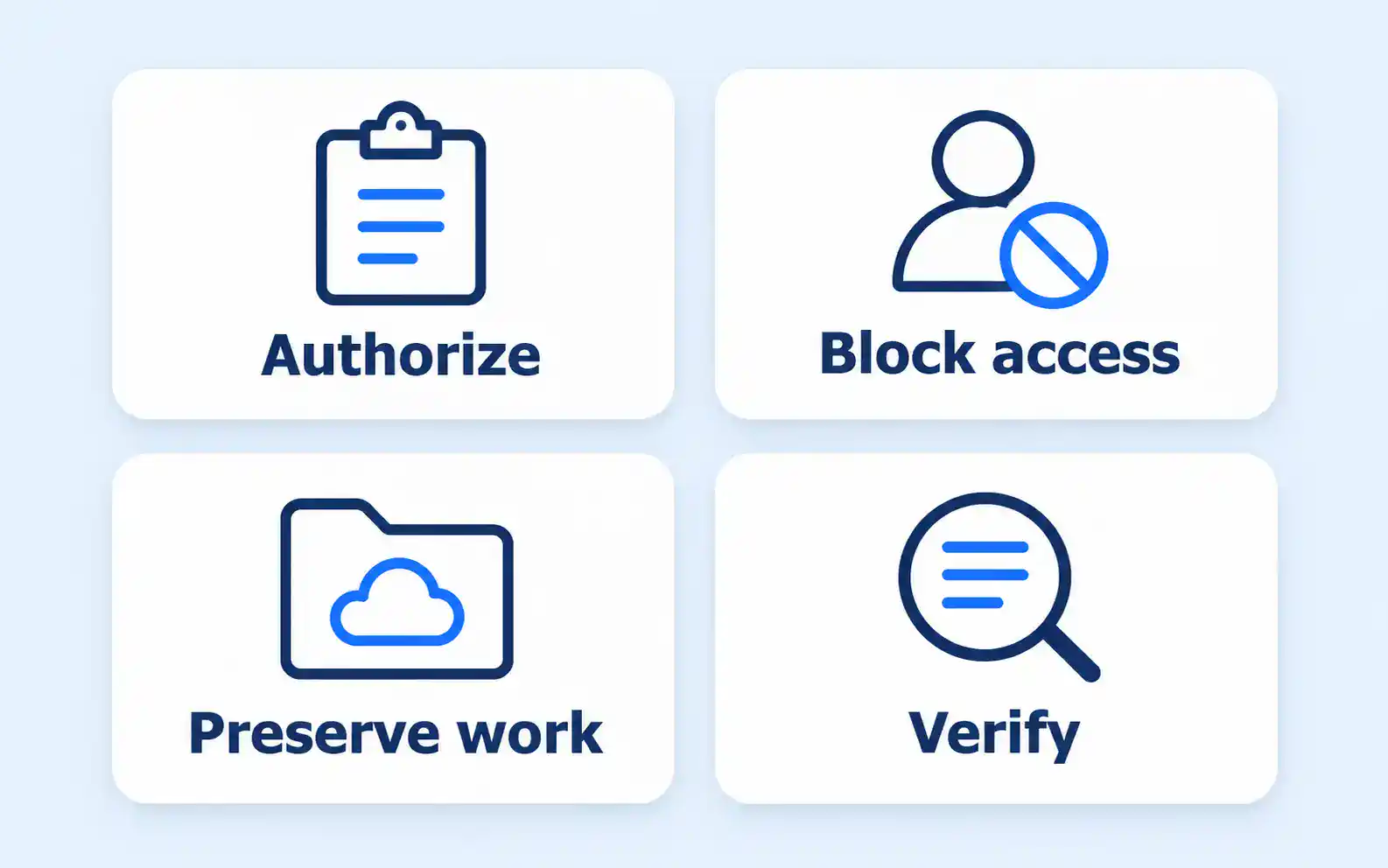
Microsoft 365 offboarding has two jobs: stop a departing employee’s access at the authorized time and preserve the work the business still needs. Deleting an account first can make the second job harder. Leaving an account active because nobody has decided what to retain leaves the first job unfinished.
Use a departure checklist shared by the business decision-maker and the administrator. Each action needs an owner, a completion check and a place to record exceptions.
Agree on timing and authority
The owner, manager or authorized HR contact should confirm when access changes take effect, which devices are involved and who will take over the work. IT should not have to infer those decisions from an informal conversation.
Identify any retention, legal or personnel requirements before destructive actions are taken. The administrator can explain the technical options, but the appropriate business authority must decide what information needs to be kept and who may receive it.
Keep the departure instructions limited to the people who need them. There is no reason to copy sensitive employment details into a general support ticket when the technical team only needs the approved timing and scope.
Prevent access and check the connected routes
Have the administrator block sign-in and address existing sessions, authentication methods and relevant devices. Confirm the process for your environment, particularly if accounts are synchronized from an on-premises directory.
Microsoft 365 is not necessarily the only access route. Include business applications, remote access, password management, supplier portals and other services used by the employee. Where one account is used to sign in elsewhere, establish what happens to those connections when it is disabled.
Returned equipment needs its own record. For personally owned devices, follow the firm’s approved device-management and employment arrangements. Do not assume that wiping an entire personal device is the right or authorized way to remove business information.
For accounting firms, our accounting software security checklist connects individual account access with the records and applications staff use. The offboarding checklist should identify who confirms device return, remote access changes and completion.
Preserve work before removing licences or accounts
List the places where the employee’s business information may live. Email and OneDrive are obvious starting points, but also check shared workspaces, calendars, Teams responsibilities and any application that relies on the person’s account.
Decide who needs access and for what purpose. Giving a manager broad access to everything is not automatically the appropriate answer. Use the approved scope and retain a record of who authorized it.
Options can include transferring responsibility for shared work, granting access to necessary files, or arranging a suitable mailbox handover. The right choice depends on licensing, configuration and retention requirements. Have the administrator verify the applicable conditions before converting a mailbox, removing a licence or deleting an account.
Do not rely on a universal recovery period copied from another company’s checklist. Retention and recovery behaviour can differ by workload, configuration and the action taken. Record the relevant settings and decision for your own environment while the information remains available.
Review shared ownership and incoming work
A departed employee may be the only owner of a team, a document process or a supplier relationship. Transfer those responsibilities to an appropriate person so that the business is not left with a working system nobody can administer.
Check how new messages and requests will reach the next responsible person. An approved forwarding, shared-mailbox or automatic-reply arrangement may be useful, but it should have a purpose and a review date. Avoid quietly forwarding confidential correspondence indefinitely.
Review sharing permissions and links associated with the role. Removing one person’s access does not prove that every document is correctly shared. Include relevant groups and guest access in the SharePoint permissions review where those services hold the work.
Use a completion record that shows the gaps
A checklist should distinguish an action that was requested from one that was completed and verified. Use a short record like this for each departure.
| Check | Responsible role | Completion evidence |
|---|---|---|
| Departure timing and scope approved | Business authority | Dated instruction and named approver |
| Sign-in and connected access addressed | Administrator | Recorded actions and remaining exceptions |
| Necessary work preserved or delegated | Business owner and administrator | Named recipient and verified access |
| Equipment and device actions completed | Manager and administrator | Device record and approved action |
| Licences and account deletion reviewed | Administrator and authorized owner | Retention decision and action date |
| Shared responsibilities reassigned | Business owner | New owner confirmed |
If a necessary file cannot be found, a legal hold is unresolved or the new owner cannot access the work, leave the relevant deletion or licence decision open and escalate it. A ticked box should not conceal an assumption.
Finish the process and review temporary arrangements
After preservation and access decisions are verified, complete the remaining licence and account actions for the actual environment. Record any step that must wait and who will review it. Temporary forwarding, delegated access and retained accounts should not become permanent simply because nobody revisits the checklist.
Keep the process ready for contractors and seasonal staff as well as permanent employees. Their planned end dates make it possible to prepare the work handover before the account is no longer needed.
Include offboarding in your managed IT services responsibilities. The business should know who authorizes the departure, who performs the technical work and who verifies that access has ended while the necessary work remains available.