
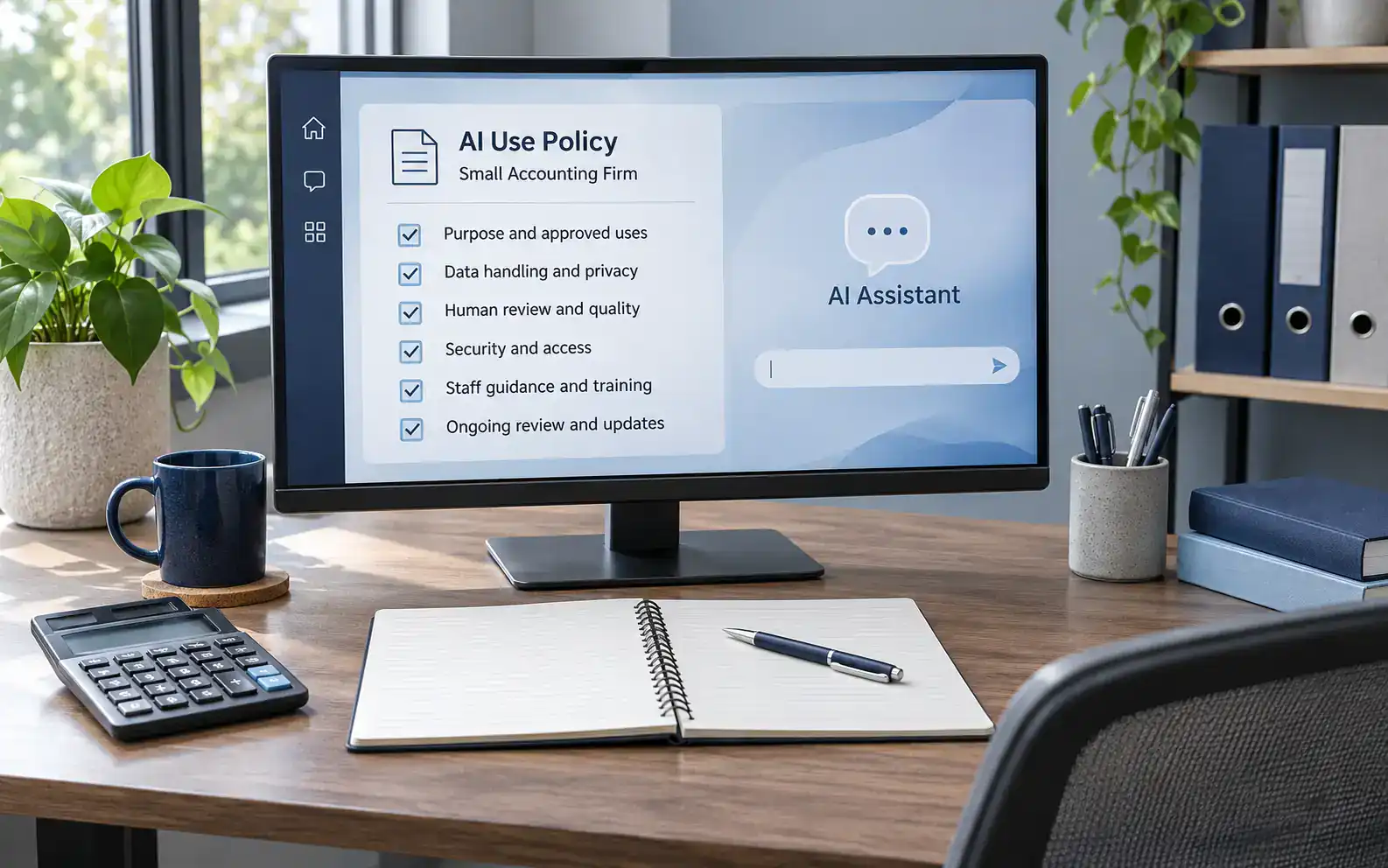
A useful AI use policy tells an accounting team which tools they may use, what information they may provide and who must review the result. It should be clear enough to apply during an ordinary workday, including when someone is trying a feature already built into an application.
Start with the tasks people want help with. Then define the approved boundaries. A long document that leaves staff guessing about client records, personal accounts or connected tools will not settle those decisions.
Begin with the work people are trying to do
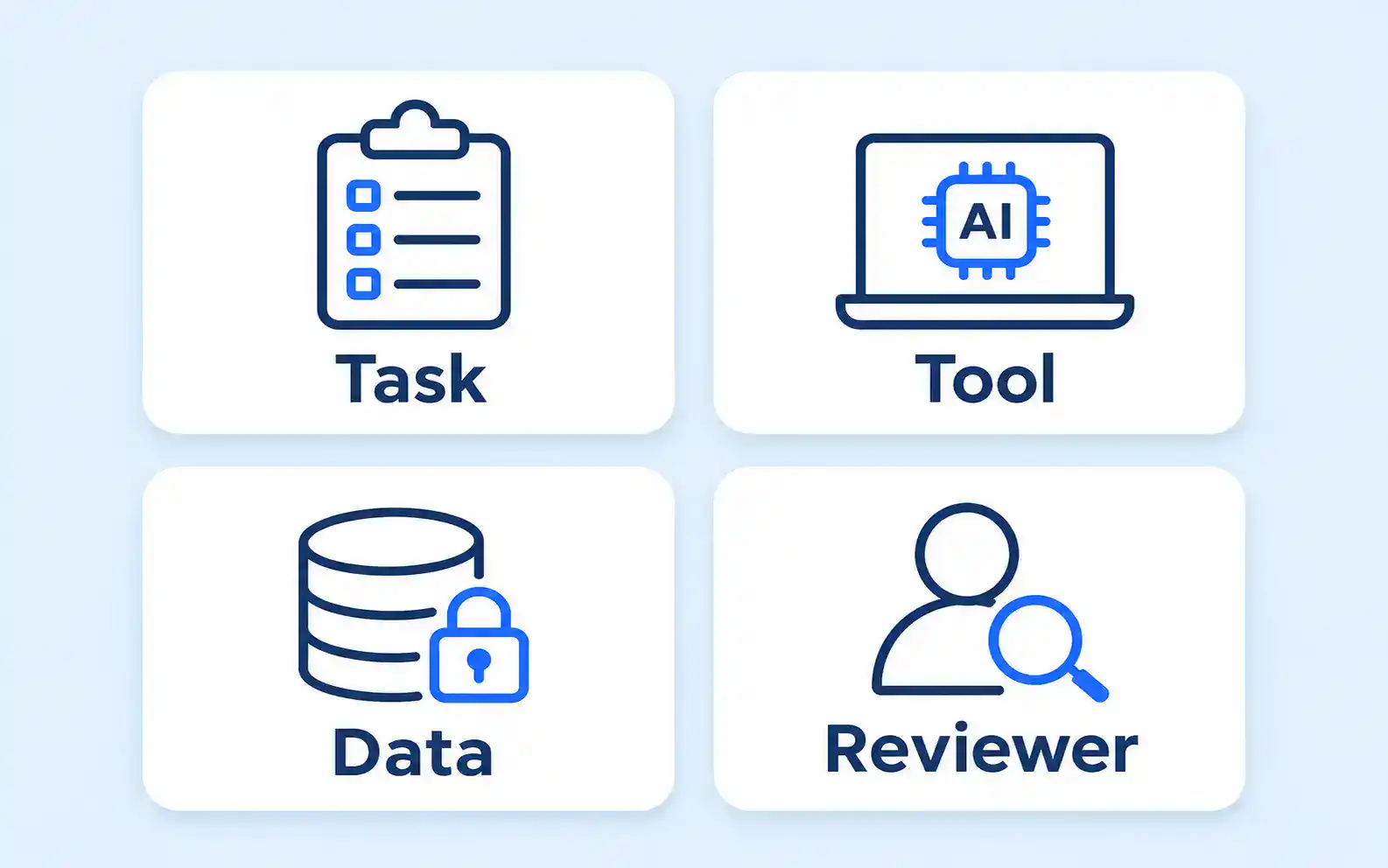
Ask staff which tasks they want to simplify: drafting a routine message, organizing public information, summarizing a document or creating an internal checklist. Record the tool and account they intend to use, not just the word “AI.”
Separate low-risk drafting from work that affects a client, a financial decision or a live system. A tool that helps prepare wording needs a different approval path from one that can send that wording, update a record or act through another application.
Choose an initial set of permitted tasks small enough to review properly. You can expand it after the firm understands the results and the controls. There is no need to approve every available feature at once.
State what must stay out of unapproved tools
Give staff concrete examples of restricted information: client financial records, tax identifiers, payroll details, passwords, confidential business plans and sensitive personnel information. Include information pasted into prompts, attached files, screenshots and connected folders.
Removing a name does not automatically make a document suitable for sharing. Other details can still identify a person or organization. When staff are unsure, the policy should give them an approval route rather than asking them to make a privacy decision alone.
An approved tool may be suitable for some information and unsuitable for other information. Record the permitted data types alongside the approved task and account. This makes the decision easier to apply than a blanket statement that a product is “safe.”
Check the exact product and account
Before approval, have the responsible people review the product’s data handling, access controls, contractual terms and administrative settings. A familiar brand name does not establish which protections apply to every product or subscription offered under that brand.
For Microsoft 365 Copilot, existing permissions are part of the information-access boundary. That makes the firm’s current file permissions relevant to the rollout. A tool’s ability to find information is a reason to check broad access groups and shared locations before connecting more work to it.
Record who can approve a new tool, enable an integration and change the permitted use. A staff member should not need to interpret a vendor’s entire contract to learn whether the firm has approved their intended task.
Make human review specific
“Check the answer” is too vague for important work. Define what the reviewer must verify: figures against the original records, names and dates, completeness, unsupported statements and whether the output answers the actual question.
Keep professional judgement with the person responsible for the work. Drafted financial explanations, client advice and consequential decisions need the appropriate review before use. This operational policy does not replace the firm’s professional, privacy or legal obligations.
If the output cannot be checked against reliable information, do not treat confident wording as proof. Pause that use and choose another way to complete the task.
Use a table like this as a starting point. These are proposed policy boundaries for discussion, not a statement that your firm has already approved the activities.
| Example task | Proposed boundary | Required check |
|---|---|---|
| Draft a general internal checklist | Use an approved tool with non-confidential input | Staff member checks accuracy and suitability |
| Rewrite a client message | Use only the approved account and permitted information | Responsible professional reviews before sending |
| Summarize confidential records | Require explicit approval for the tool, data and task | Verify access, handling and the summary against the records |
| Connect an inbox or document library | Treat as a separate integration approval | Review permissions, scope and how access is removed |
| Send messages or change records automatically | Do not enable through ordinary tool approval | Separate authorization, controlled testing and oversight |
Give action-taking tools a separate review
An integration that reads or changes business systems creates a different responsibility from a standalone drafting task. Identify exactly which information it can access and which actions it can perform.
Limit access to the approved purpose. Establish where a person must approve an action, how activity can be reviewed and how the integration can be stopped or disconnected. Test with suitable non-production information before considering wider use.
Do not let a successful demonstration stand in for a decision about ongoing access. If the firm cannot explain what an integration can do, who owns it and how to stop it, keep it outside the approved workflow until those questions are answered.
Keep the policy short enough to use
The working version should identify the policy owner, approved tasks and tools, restricted information, review requirements and a route for reporting mistakes. Show staff where to find the current list and how to request a new use.
Set a review when a tool, contract, integration or business workflow changes. Retire approvals that no longer describe the way the product is being used. Include departed staff and unused integrations in normal access reviews.
Our guide to keeping accounting software secure connects access, document handling and ongoing maintenance. Apply the same discipline when adding an AI tool: make the approved use, information boundary and accountable person clear.
Bring those decisions into the firm’s cybersecurity planning and IT support for accounting firms. The technology decision should support a work process the firm can explain, supervise and maintain.