

An internet outage plan starts with a business question: which work can continue, which work must pause, and who decides? A spare connection can help, but it is only useful if the people, applications and phone services that need it can actually use it.
Write the plan while the office is connected. During an outage, staff need a short set of instructions they can find without opening a cloud folder or waiting for an email.
Find out what has stopped working
Give one person responsibility for collecting the first observations and contacting support. Record when the problem started, which locations are affected and whether it involves one device, the whole office or a particular application. An application failure and an internet connection failure can look similar to the person trying to finish a task.
Ask staff to avoid making independent network changes while the issue is being assessed. Several people restarting equipment or changing settings can make the original fault harder to identify. Follow the agreed support instructions and retain the provider’s ticket reference.
A separate working connection can help the responsible person check supplier notices and communicate with support. It does not establish the cause of the outage, and a supplier’s general status page may not describe your individual circuit.
Decide what needs the connection
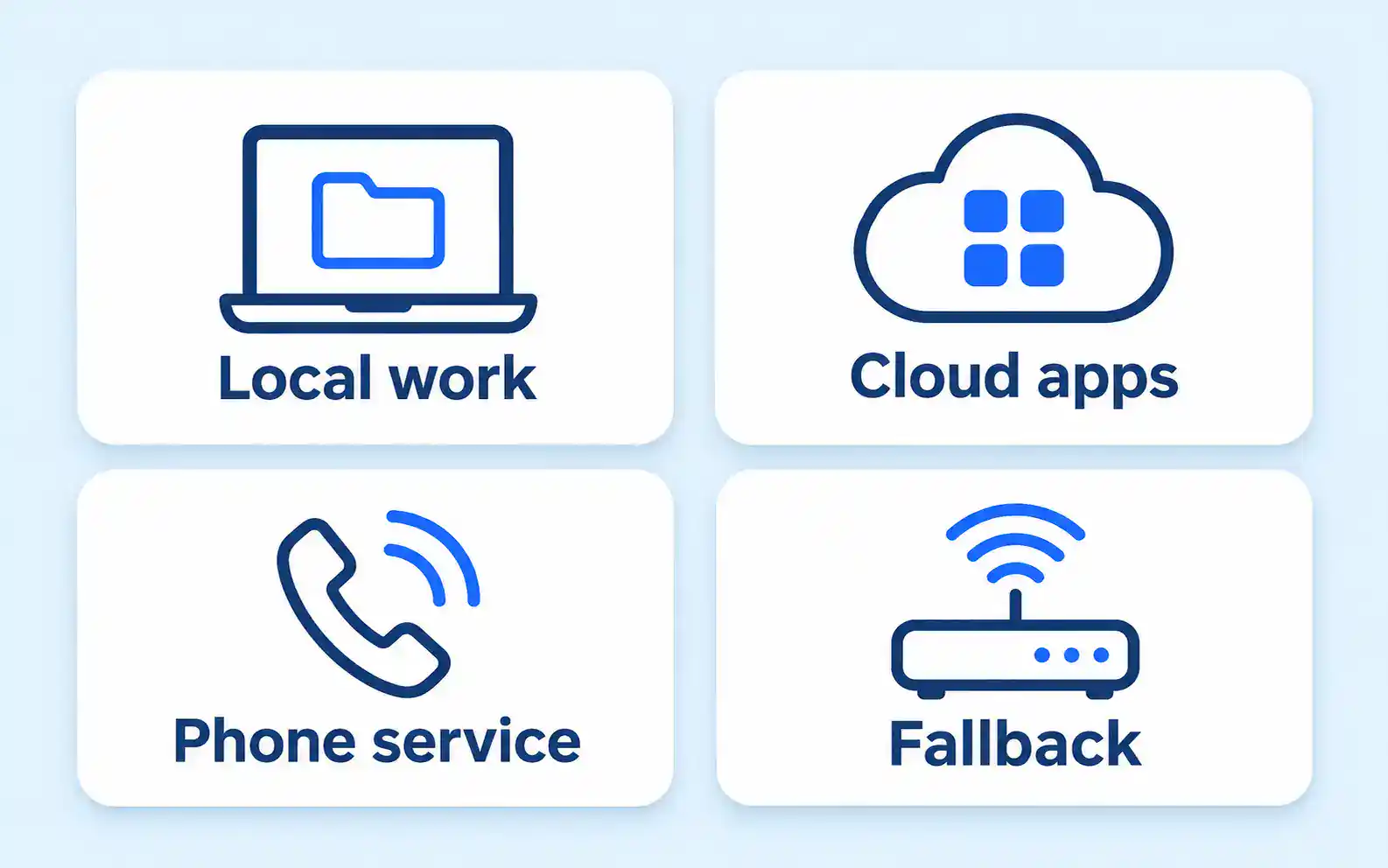
List the tasks the office must complete, rather than starting with a list of devices. Opening an accounting application, accessing a client document and making a phone call may depend on different combinations of local equipment and online services.
Use this worksheet to make the dependencies visible. The fallback column contains questions to test, not promises that these options will work in your office.
| Work affected | Fallback to assess | What must be checked |
|---|---|---|
| Cloud application | Approved secondary connection | Sign-in, access rules, performance and data allowance |
| Office file server | Work on the local network | Whether the application also needs online authentication or other services |
| Business calls | Provider-supported forwarding or another approved route | Who can activate it, where calls arrive and how staff return calls |
| Client communication | A designated working phone or connection | Who sends updates and which information may be shared |
| Time-sensitive processing | Pause or use an approved alternative process | Who authorizes the change and how records are reconciled later |
Do not assume a file is available offline because its name appears in a folder. Check that the required content can actually be opened in the approved application without the normal connection. Avoid creating unnecessary local copies of confidential records simply to prepare for an outage.
Check the limits of a spare connection
A mobile hotspot, a second fixed connection and an automatic failover service are different arrangements. Decide whether the fallback is intended for one person handling urgent tasks or for the entire office. Then have the provider check the equipment, access settings and capacity required for that scope.
Consider power as a separate dependency. A second internet service is not much help if the equipment needed to use it has no power. Ask which parts of the arrangement share equipment or another point of failure.
Keep normal security controls in place. An outage is not a reason to move client records to personal email, disable protection or let everyone share an administrator account. Where the approved fallback cannot meet the firm’s requirements, the plan should say which work pauses.
For internet-based phones, ask your business phone system provider how the proposed fallback affects incoming calls, outgoing calls and the information used by emergency services. Verify the arrangement for your actual service before relying on it.
Keep the instructions available
Prepare a short contact sheet with the business decision-maker, their deputy, the IT provider, the internet provider and any critical application supplier. Include account references where useful, but keep passwords and recovery codes in their approved secure store.
Make the contact sheet available through an agreed offline or separately accessible route. Assign someone to keep it current when suppliers or staff change. The person covering an absence needs to know how to authorize work, not simply whom to call.
Agree when staff should expect the next update. It is reasonable to communicate that the cause is still being checked. A guessed repair time can cause people to make plans around a commitment nobody has made.
Test a small, realistic scenario
Arrange a controlled test with the people responsible for the systems. Do not disconnect the office unexpectedly. Choose representative tasks using approved sample information and record what works, what fails and what remains untested.
A useful test includes signing in, opening the necessary application, reaching the intended file and checking the agreed communication route. Record how long the changeover actually takes for your setup. Do not turn that observation into a guarantee for every future outage.
Stop the test if it affects live work unexpectedly, exposes information through the wrong account or requires an unapproved security change. Give each failed check an owner and a follow-up date.
Return to normal work deliberately
Have the responsible person confirm that the normal connection is stable enough to resume work. Check the important applications and communication routes before telling everyone the incident is finished.
Review work created during the interruption for unsent messages, duplicate entries or conflicting file versions. Close temporary access or forwarding arrangements when they are no longer needed. Record the cause if confirmed, the business impact and the improvement to make before the next outage.
Our guide to understanding the business impact of IT downtime can help decide which tasks deserve attention first. Make the resulting outage plan part of your managed IT services review so that it has an owner, a tested fallback and a clear route back to normal work.


