

Windows Server 2016 reaches the end of extended support on January 12, 2027. If your business still depends on it, the next step is to identify what runs on it and agree on a supported route forward. Buying a new server before checking those dependencies can leave the most important application unresolved.
The date does not mean a server automatically stops working that day. It means the ordinary support period, including security updates, ends. Any temporary extended security coverage needs separate eligibility and purchasing checks.
Confirm what your business actually runs
Ask your administrator for a short inventory of physical and virtual servers, their operating system versions and their business roles. Include systems that are used only occasionally, such as an older reporting application or an archive that staff open at year-end.
For each server, record the applications, file locations, users and other systems that depend on it. Identify the application vendor and the person who can confirm supported versions. A server name and a screenshot of a successful login do not establish that the business has a workable migration plan.
Bring the inventory back to recognizable work: opening a client file, producing a report, printing, exporting documents or connecting from another location. These are the tasks the replacement arrangement must support.
Separate the support dates
The server operating system is only one part of the setup. SQL Server, accounting software, backup tools and hardware can have their own support requirements and deadlines.
SQL Server 2016, for example, reached the end of ordinary extended support on July 14, 2026. That is a separate decision from the Windows Server 2016 deadline. Extended Security Updates may provide a temporary route for eligible systems, but they do not replace a full check of application compatibility and ongoing support.
Ask for a written answer when a vendor says an application is supported: which application version, operating system, database version and deployment method does that answer cover? If the answer is unclear, keep that dependency open in the plan.
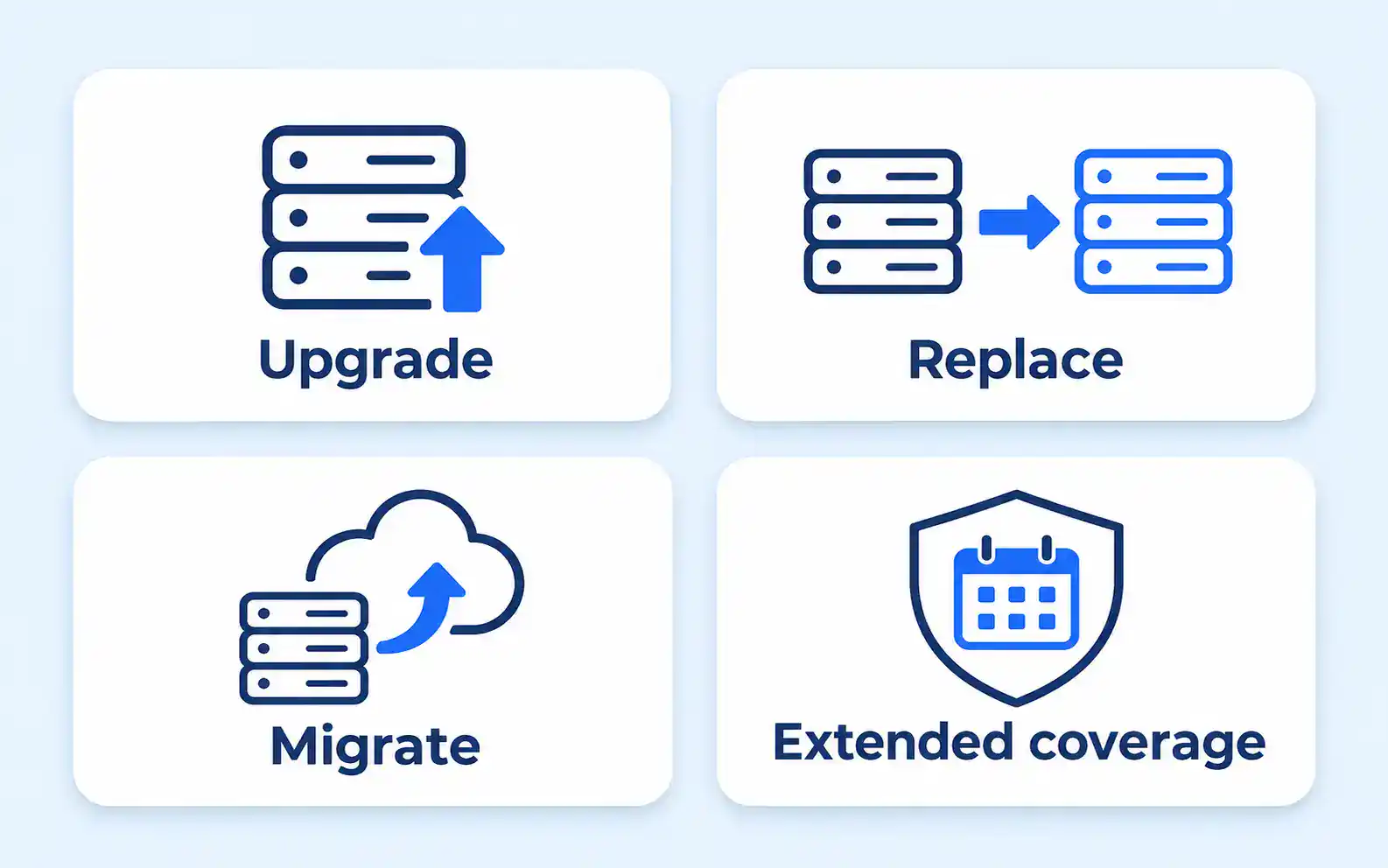
Compare the available routes
There is no single best replacement for every business. The right route depends on application support, equipment condition, budget, access needs and who will maintain the result.
| Route | Useful question | Evidence needed before committing |
|---|---|---|
| Upgrade the existing environment | Can the applications and equipment support the proposed version? | Vendor requirements, a supported upgrade path and a tested recovery route |
| Replace the server and migrate | What must move, and what can be retired? | Complete inventory, licensing review and application acceptance tests |
| Move suitable work to a hosted service | How will staff connect and who owns each responsibility? | Service scope, access testing, cost details and recovery arrangements |
| Use temporary extended security coverage | What prevents migration now, and when will that obstacle be resolved? | Confirmed eligibility, coverage scope, cost and an exit date |
A temporary option should have a named owner and a review date. “We will deal with it later” leaves the business with the same unresolved dependency and less time to act.
If a hosted route is being considered, review the cloud computing service against the application’s real requirements. Hosting changes where a system runs; it does not automatically remove the need for licensing, maintenance, permissions or recovery planning.
Define the tests before the change
Write the acceptance checks before migration begins. Otherwise, it is easy to declare success when the server starts even though a normal business task no longer works.
Choose a representative, approved test file and check the complete workflow. That may include signing in, opening and saving, generating a report, printing, exporting and using an essential integration. Test the access routes staff actually use, including remote sessions where applicable.
Assign a business user to confirm the result alongside the technical work. The administrator can verify the system state, while the person doing the work can identify a missing function or an unusable process.
The guide to planning business software updates explains the wider discipline of preparation, deployment and follow-up. For this change, the acceptance checks need to cover the specific server and application dependencies being moved.
Make rollback a decision, not a hope
Before the cutover, confirm what has been backed up, how it can be restored and what would happen to work created after the move starts. A rollback may need more than turning an old machine back on.
Agree on the conditions that stop the change: a critical application does not open, required records cannot be accessed, or the recovery route is no longer available. Record who can authorize rollback and how staff will be told which environment to use.
Do not erase or repurpose the old environment simply because the first test passes. Set a controlled retention and decommissioning plan that protects information without leaving an unnecessary, unmanaged system running indefinitely. Include these questions in the backup and disaster recovery plan.
Leave the review with an owner and a date
For every affected system, keep one line showing the business role, chosen route, unresolved dependency, test owner and planned cutover. Record actual supplier quotes and agreed work windows rather than using a generic migration duration.
If an application cannot move before the deadline, ask for the temporary coverage and risk decision in writing. If nobody can confirm the application requirements, resolve that before purchasing a replacement based only on the server’s age.
Your managed IT services review should turn the support deadline into a sequence of verified decisions. The useful outcome is a supported working environment with clear responsibility for the remaining exceptions.